
Connect to our international servers
Enjoy fast, reliable connections with our extensive VPN network, boasting 20,000+ servers in more than 140 countries.
From the creators of Proton Mail
Join millions using Proton VPN to protect their information and access a global internet, anytime, anywhere.
30-day money-back guarantee
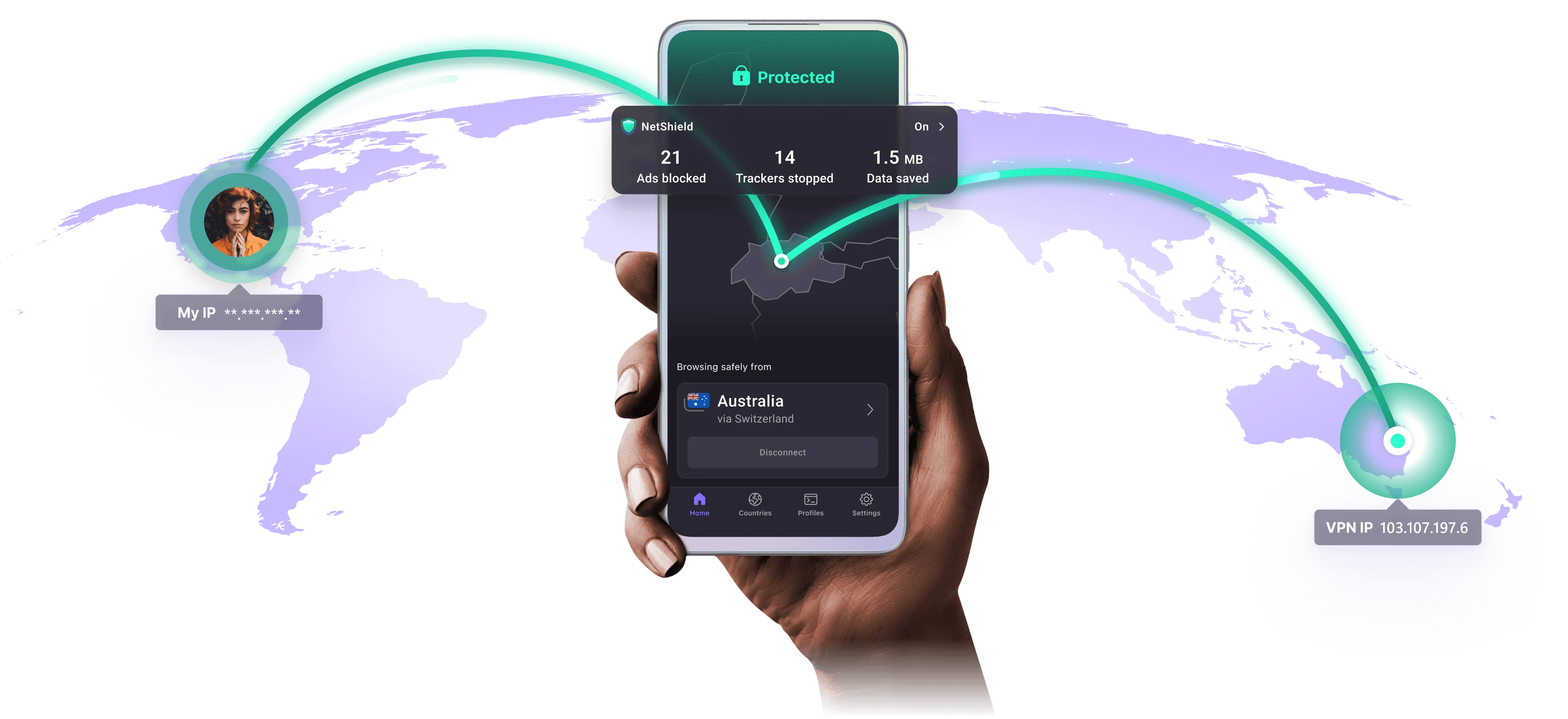
Enjoy fast, reliable connections with our extensive VPN network, boasting 20,000+ servers in more than 140 countries.
Experience rapid, reliable performance through 10 Gbps servers and our unique VPN Accelerator that increases your VPN speeds by up to 400%.
Trust in strict Swiss privacy protections, zero-logs policies, 100% open source apps, and 100 million people who choose us to defend their data.
Block intrusive ads and harmful trackers using NetShield, our advanced DNS-filtering tool that prevents profiling and improves security.
Unlock international streaming libraries and restricted sites using Stealth, our custom protocol designed to bypass geographic and government restrictions.
Use Proton VPN across phones, tablets, laptops, and browsers with a single subscription optimized for cross-platform performance.
When you use a VPN app on your device, it establishes an encrypted connection to a VPN server. This connection is made over the internet, and is often referred to as a VPN tunnel.
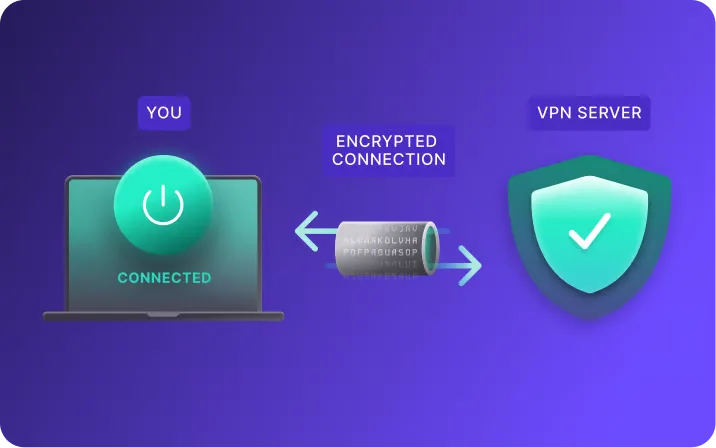
Connecting to a VPN links your device to a VPN server run by a VPN provider, like Proton VPN. The connection between your device and the VPN server is fully encrypted and protects your data as it moves between the two.
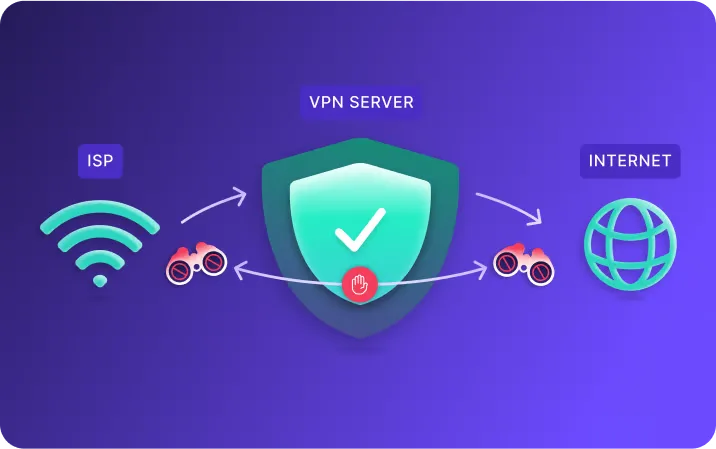
The VPN server sits between your internet service provider (ISP) and the internet. This blocks your ISP from seeing your online activity and websites you visit from seeing your real IP address and location.
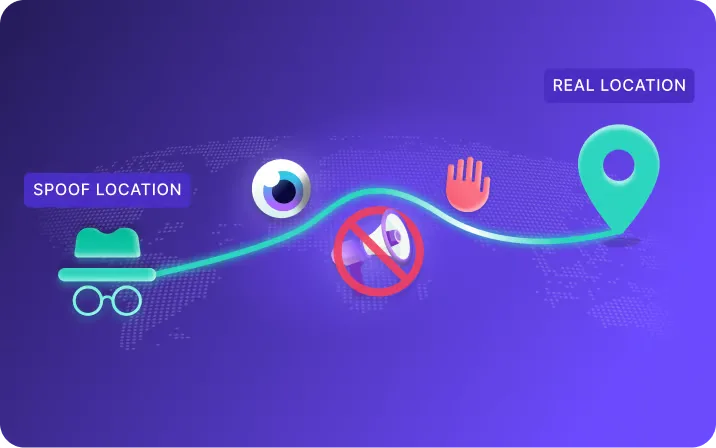
By connecting to a VPN server in another country, you can bypass local censorship, effectively 'spoofing' your geographic location.
With Proton VPN, you can also bypass censorship and access websites that might be blocked in your country.
Proton VPN hides your real IP address, preventing the easiest and most accurate way for websites to track you online.
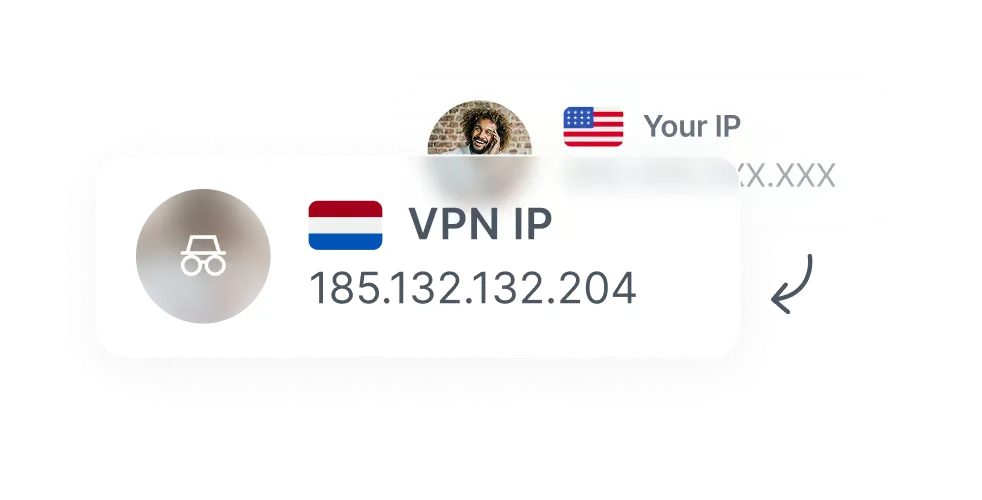
Switzerland has some of the strongest privacy laws in the world, is outside the EU, and isn't a member of any mass surveillance alliances.

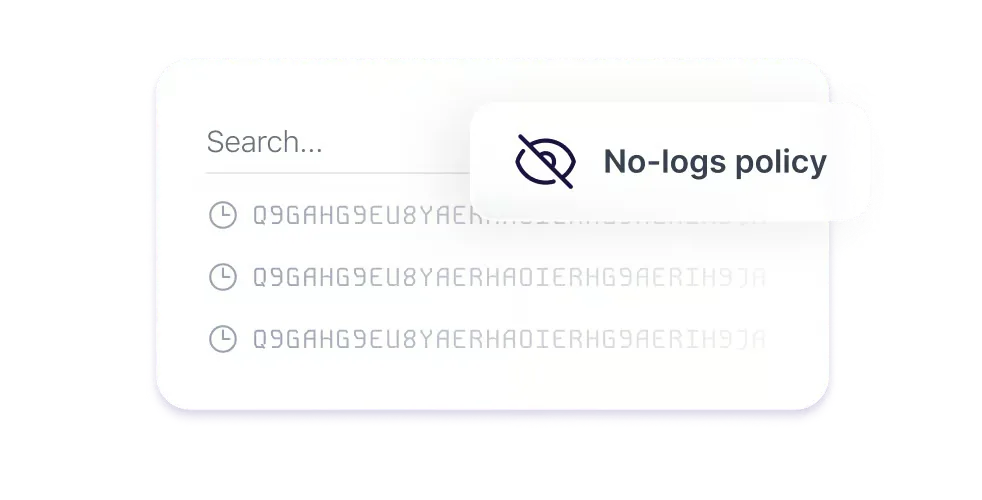
Proton VPN keeps no logs that can compromise your privacy and under Swiss law we can’t be obligated to start logging.
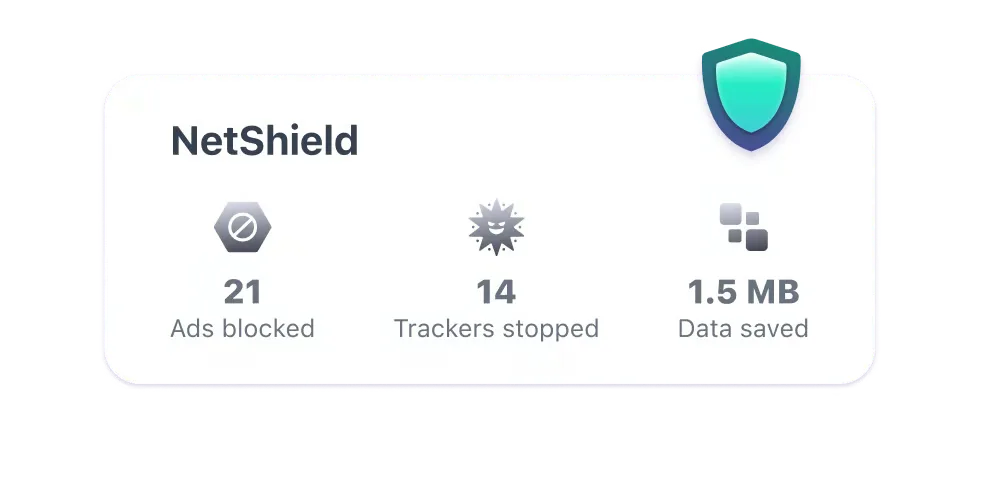
Block ads, trackers, and malicious scripts with NetShield Ad-blocker, our DNS filtering feature that prevents connections to unwanted domains.
Ensures your browsing history is never leaked to your internet service provider. Website address lookups are always done by Proton.
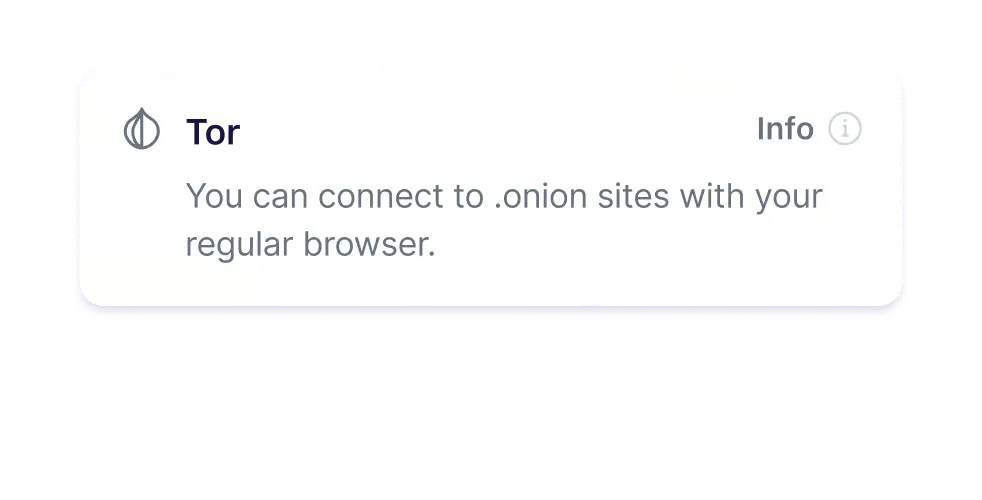
Connect to the Tor anonymity network and visit .onion sites from the convenience of your regular browser.

$0.00/month
No credit card required
$9.99/month
30-day money-back guarantee
Billed at $9.99 for the first month, then renews at $9.99 every month.
$12.99/month
30-day money-back guarantee
Billed at $12.99 for the first month, then renews at $12.99 every month.
The Proton VPN official site is for checking Swiss privacy claims, open-source clients, and a trustworthy entry — not for hunting mystery installers. Confirm no-logs, open source, and Secure Core in writing, then continue from the download page.
A useful official page answers who ships the app, where the privacy policy lives, and how you obtain clients. Guides live on the tutorial hub; short answers sit in the FAQ. Restricted networks often mix store regions with random mirrors — a page that loads is not the same as a package you can trust.
Open-source verification is a reading task: repository, audit notes, and the UI of the app you actually installed. Start with the open-source explainer and build check.
An open-source VPN site should point to auditable clients, published audits, and a no-logs policy. Proton VPN publishes client code and operates under Swiss privacy law. This page restates those checkable items and does not invent speed scores or user counts.
On the device, look for Kill Switch, DNS protection, and an exit IP that is not your home address. Audit context: privacy audit notes. If NetShield blocks a normal site, treat it as a filter miss first — see false positives.
Secure Core is a double hop. Turn it on for higher-threat sessions, not for video calls. Timing notes: when to enable Secure Core.
Clients cover Windows, macOS, Android, and iOS. This homepage explains what to check; the download page holds platform actions.
Best for long desktop sessions. Enable Kill Switch, then run the checks in the guide.
Approve VPN permission in System Settings. Use the signed client only — skip replacement builds.
Always-on VPN keeps apps from leaking outside the tunnel. Setup: always-on.
Availability follows App Store region. If the store listing is missing, read the download notes instead of sideloading unknown IPA files.
Proton VPN’s privacy claims only hold if the tunnel, DNS, and Kill Switch are on. Creating an account without those settings still leaves you exposed when public Wi‑Fi drops.
Swiss jurisdiction and no-logs cover what the provider retains. They do not fix reused passwords or a tampered installer. DNS method: leak check. Cafe networks: public Wi‑Fi guide.
Free and paid plans share the same privacy baseline in Proton’s product copy; they differ in servers, device limits, and extras. Comparison: free vs paid.
Read the product claims on prtnvpngw.com.cn before you install.
Free, Plus, and Unlimited differ in features, not in “whether traffic is encrypted”.
Use the download page for Windows, macOS, Android, or iOS.
Check IP and DNS. Failures: connection fix and FAQ.
If menu names differ, trust the client you installed and match details in the blog.